Payment Methods
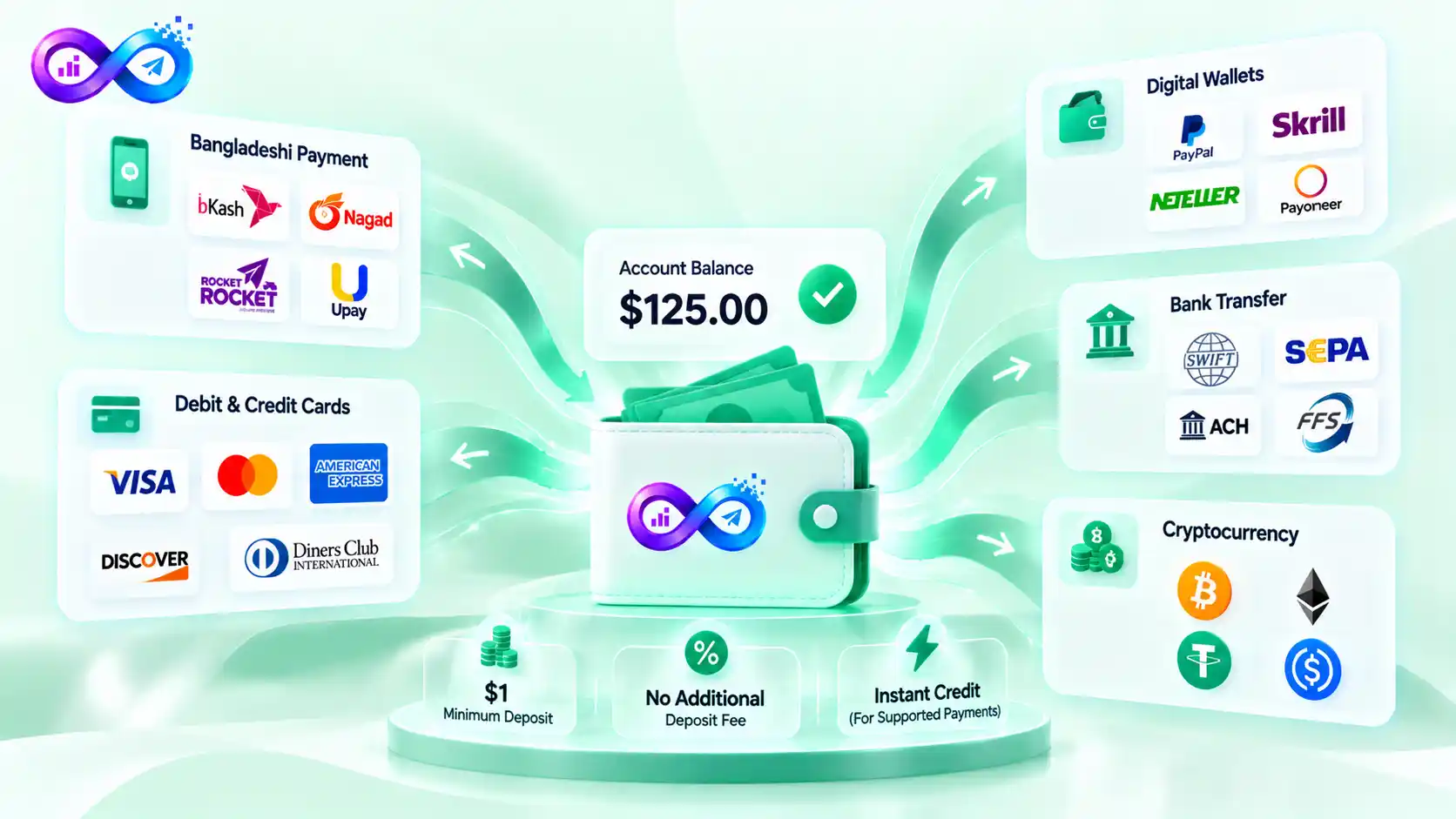
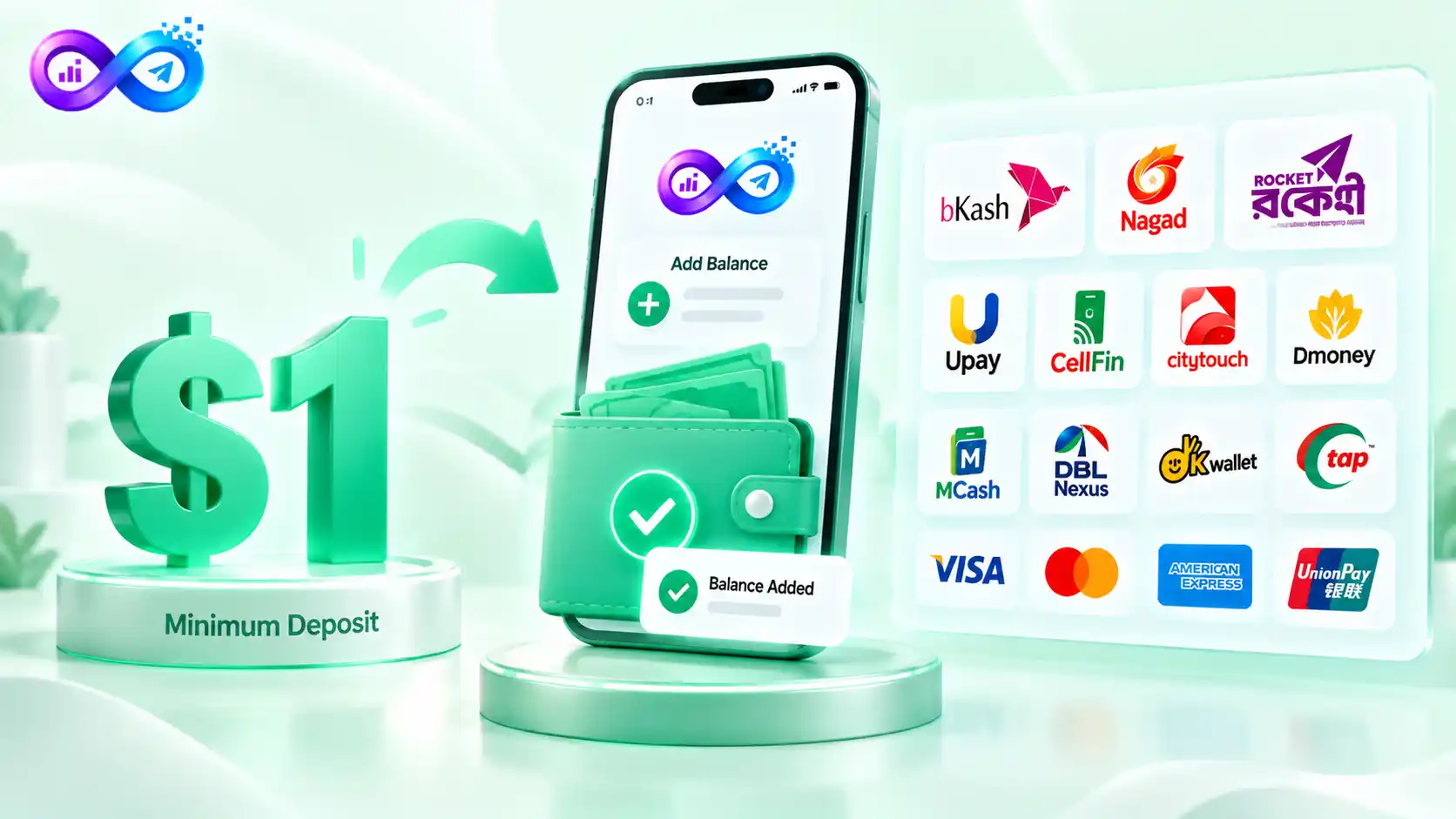
Add balance to your Smminfinity account using Bangladeshi mobile payments, international cards, supported digital wallets, banking options, or cryptocurrency.
The minimum deposit is $1; there is no additional Smminfinity deposit fee, and supported automatic payments are normally credited to your panel balance instantly.
Pay With Bangladeshi Payment Methods
Bangladesh users can add balance using familiar local payment options without relying only on international cards.
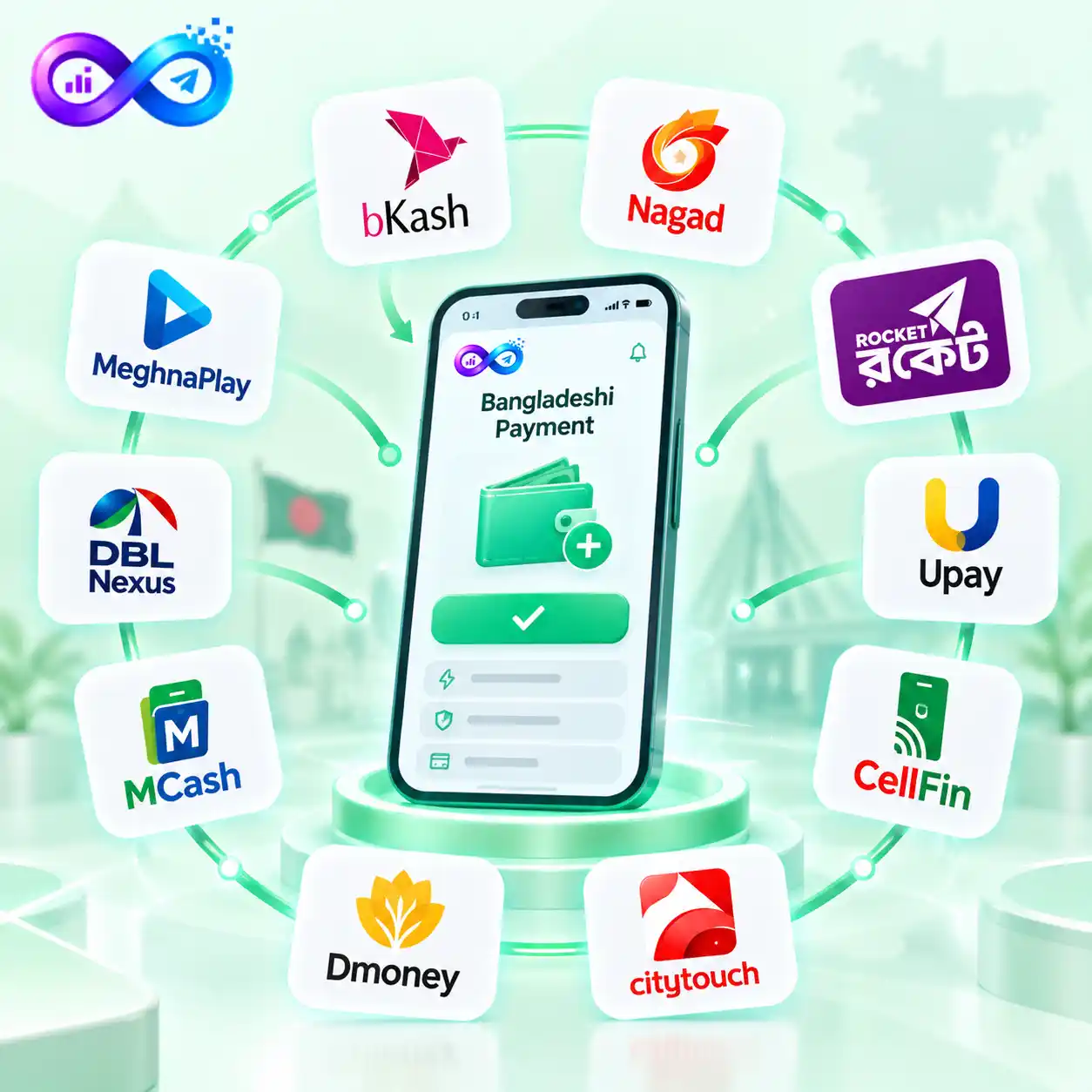
Currently supported local methods include:
- bKash
- Nagad
- Rocket
- Upay
- CellFin
- CityTouch
- Dmoney
- MCash
- DBL Nexus
- MeghnaPlay
For supported mobile financial services, make the payment to the merchant number shown in your account using the Payment option.
Always use the current payment details displayed in Smminfinity, rather than sending money to a number obtained from an unofficial source.
Pay With International Cards
Users who prefer card payments can fund their Smminfinity balance using supported international options.
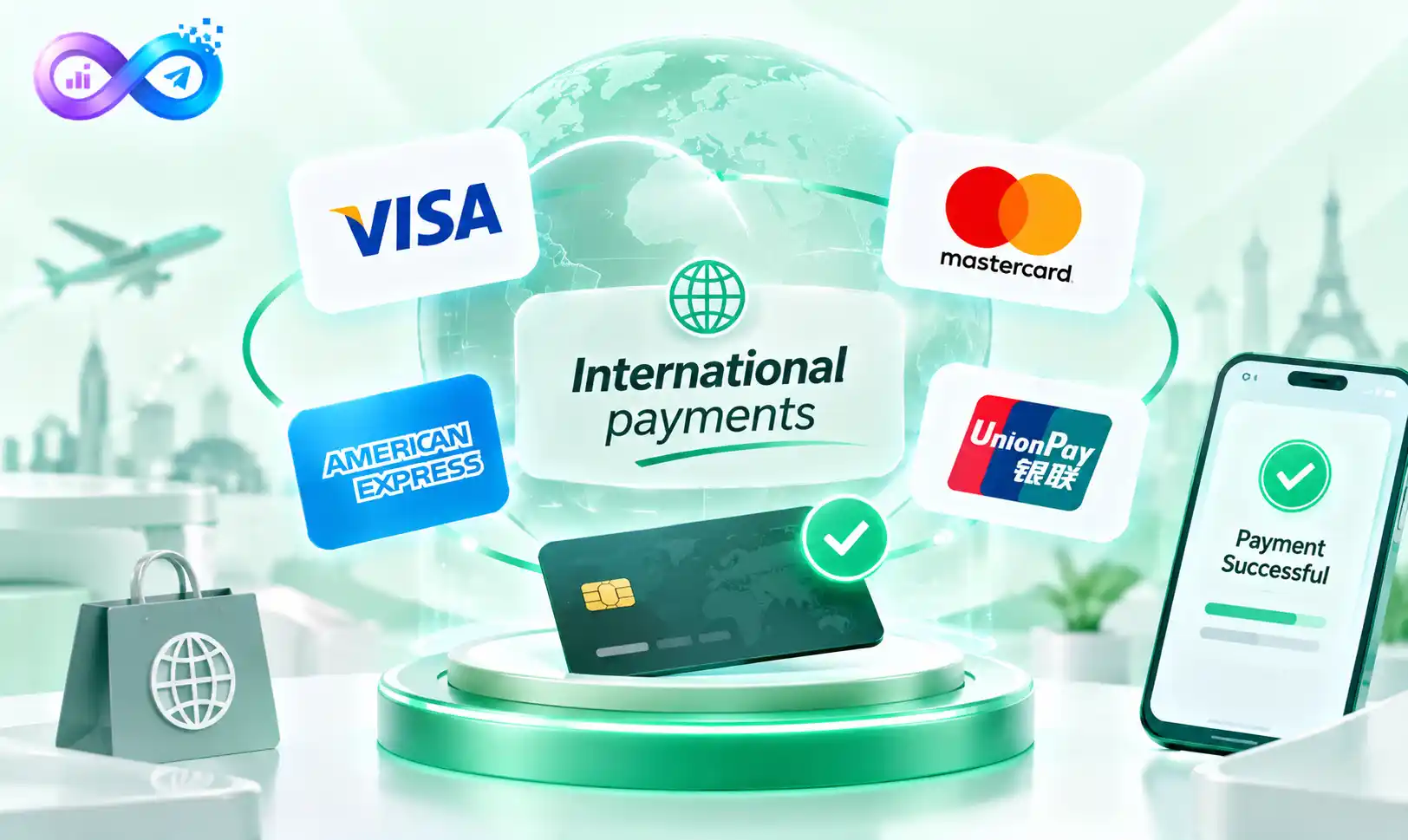
Available card methods include:
Visa
Mastercard
American Express
UnionPay
This allows customers outside Bangladesh, as well as local users with supported cards, to add funds without using a mobile banking account.
Other Supported Wallet and Banking Options
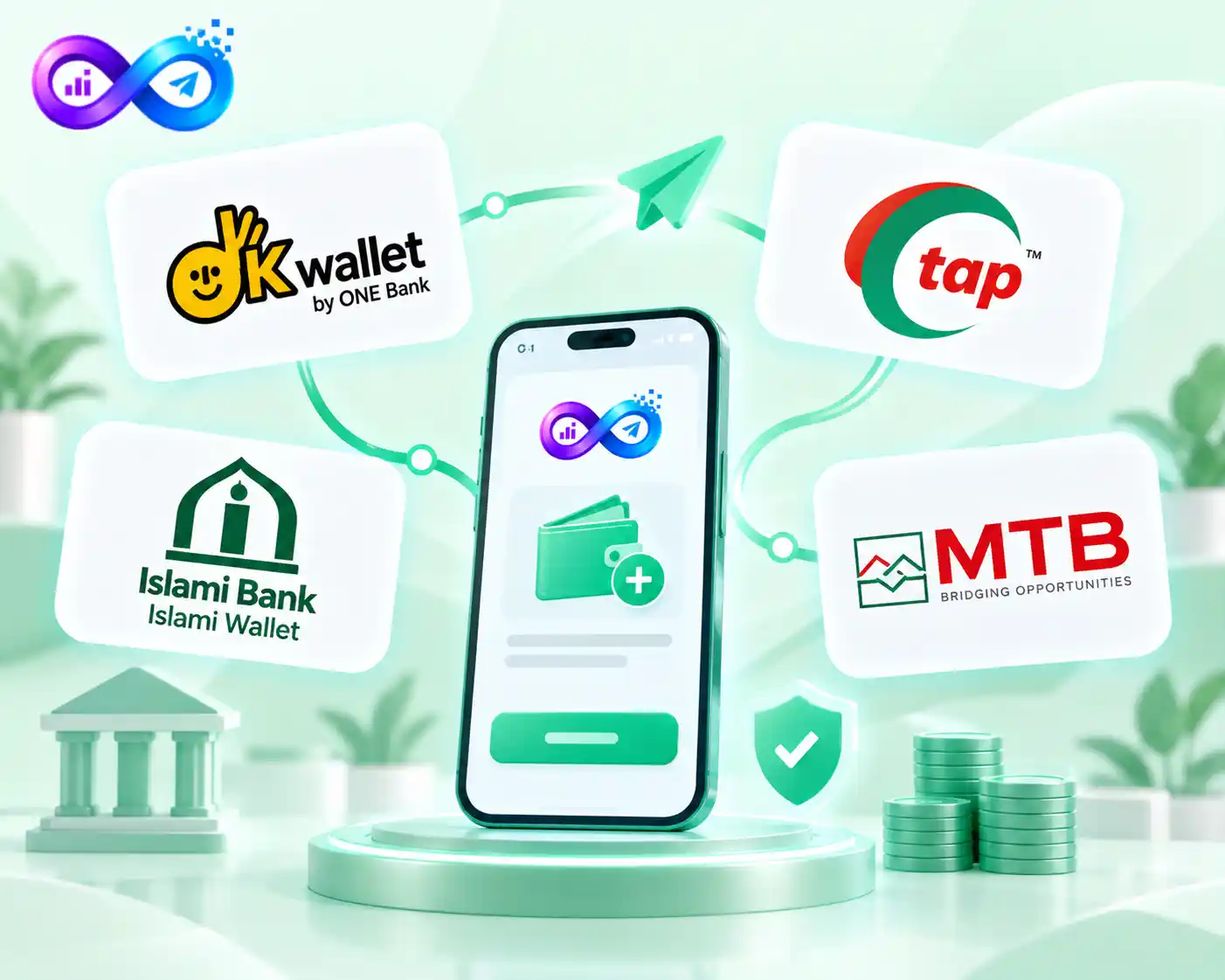
Smminfinity also provides additional payment choices for users who prefer other digital or banking services.
These include:
- OK Wallet
- Tap
- Islamic Wallet
- MTB
Payment availability can depend on the method and current gateway status, so check the Add Funds page before starting a transaction.
Start Depositing From $1
The minimum deposit is $1 across supported payment options.
You do not need to add a large amount before using the panel. A new user can begin with a small deposit, place an initial order, and add more balance later when needed.
Smminfinity does not add a separate deposit fee to the payment amount.
Your payment provider, card issuer, bank, or cryptocurrency network may still apply its own external charges where applicable.
How to Add Balance
Adding balance to your SMM Infinity account takes only a few steps. Choose your preferred payment method, complete the payment using the details shown in your dashboard, and check your updated balance.
1. Open Add Funds
Log in to your Smminfinity dashboard and open the Add Funds section.
2. Choose a Payment Method
Select the local payment method, card, wallet, banking option, or supported cryptocurrency you want to use.
3. Enter Your Deposit Amount
Enter an amount of at least $1 and review the payment information shown on the screen.
4. Complete the Payment
Follow the instructions for your selected method. For supported Bangladeshi merchant payments, use the merchant details displayed in your account and choose Payment rather than sending funds to an unrelated personal number.
5. Check Your Balance
Supported automatic payments are normally added to your Smminfinity balance instantly after successful processing.
PayWith EPS and Pay Station Verification
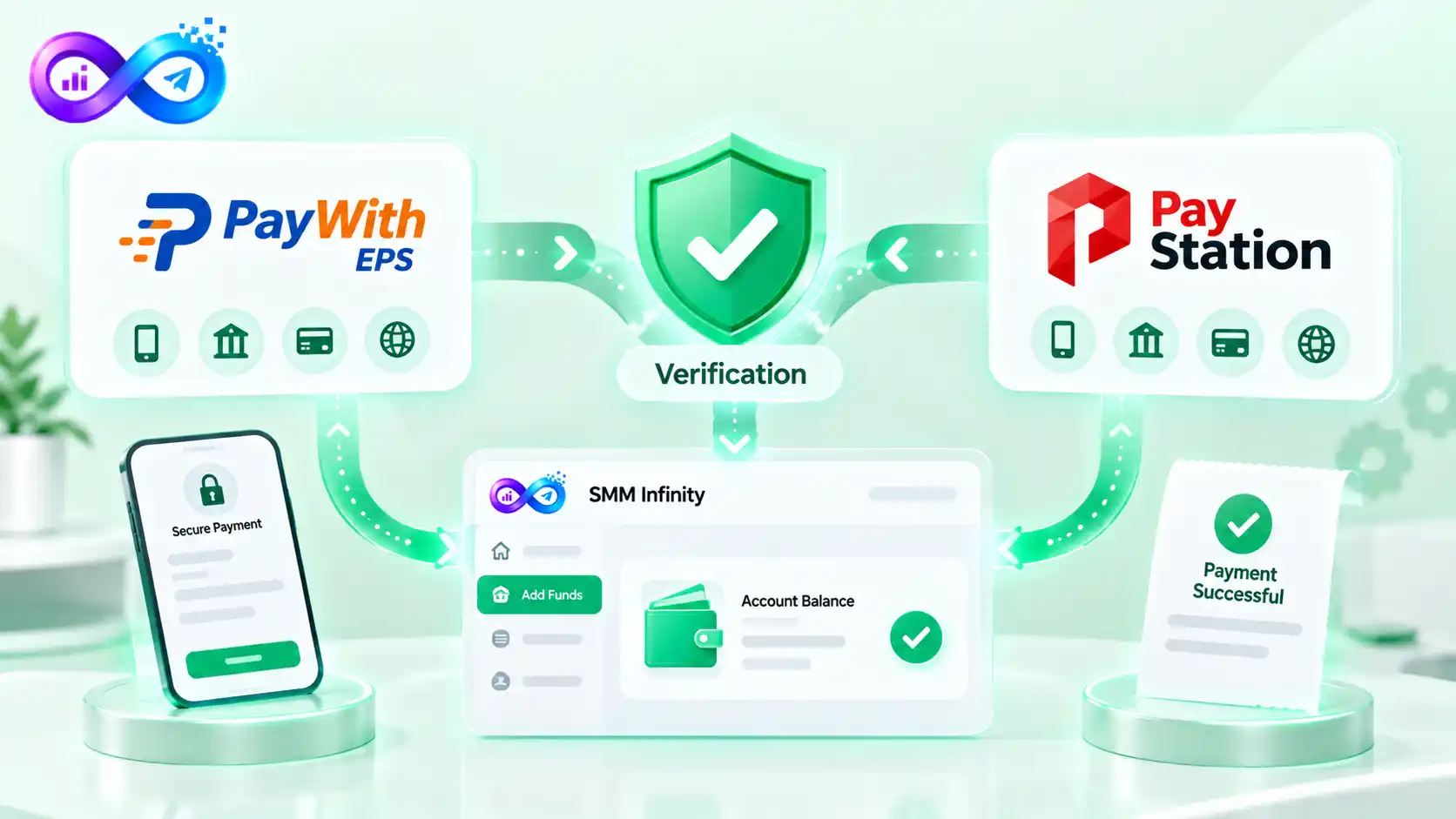
Smminfinity uses supported payment partners, including PayWith EPS and Pay Station, as part of its payment processing and verification system.
These partners support the available payment infrastructure used across applicable local and international payment methods.
Always complete the transaction through the payment flow shown in your Smminfinity account so the system can link the payment to the correct user and deposit.
What If Your Balance Is Not Added Automatically?
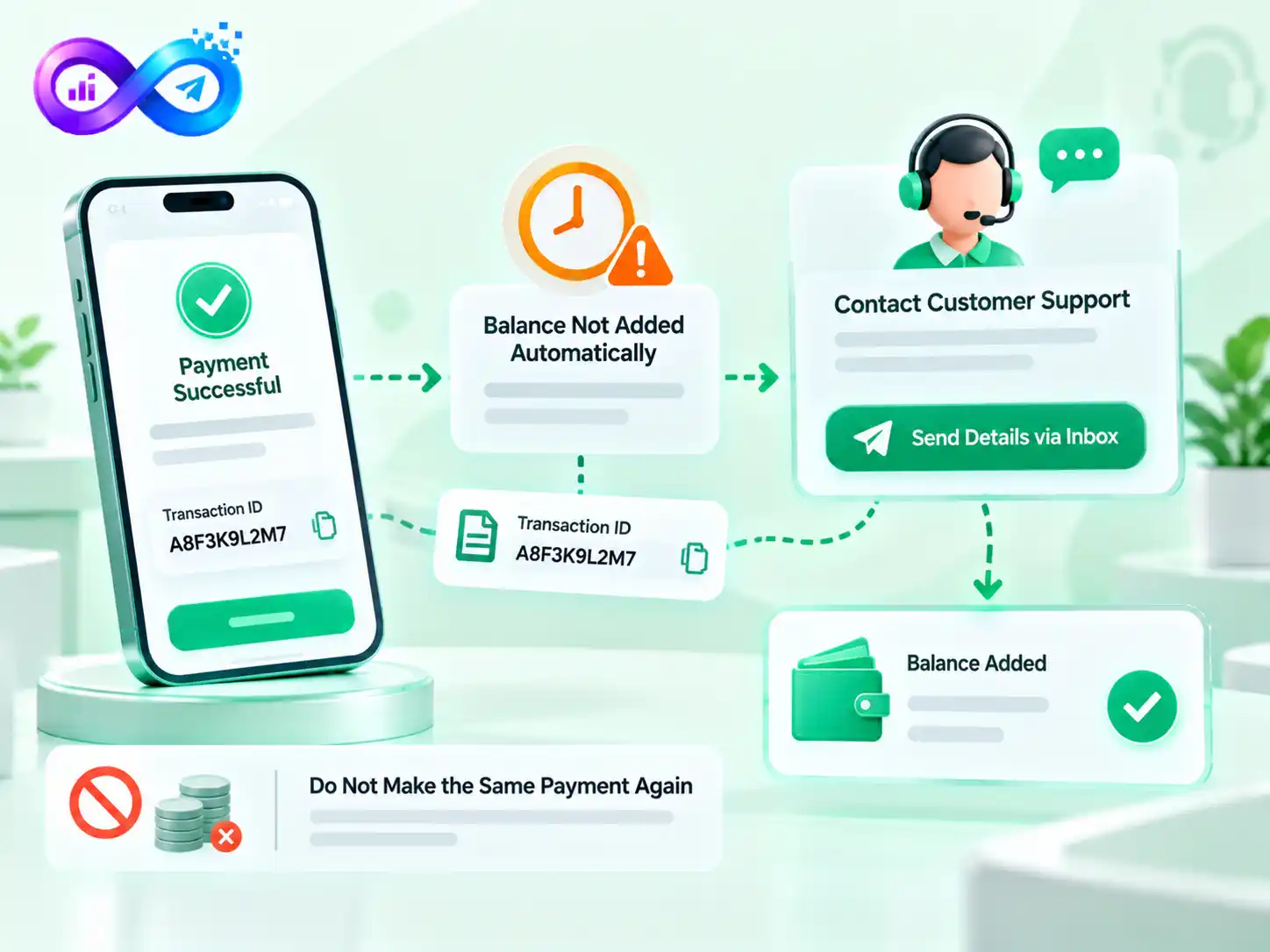
Most supported payments update the account balance instantly, but occasionally a payment may require additional verification.
If you have successfully paid but the balance does not appear, contact Smminfinity customer support and provide the payment details.
When manual verification is required, submit the relevant Transaction ID or payment information through the Inbox so the team can check the transaction and add the eligible balance.
Do not make the same payment again simply because the first deposit has not yet appeared.
Payment Safety Checklist
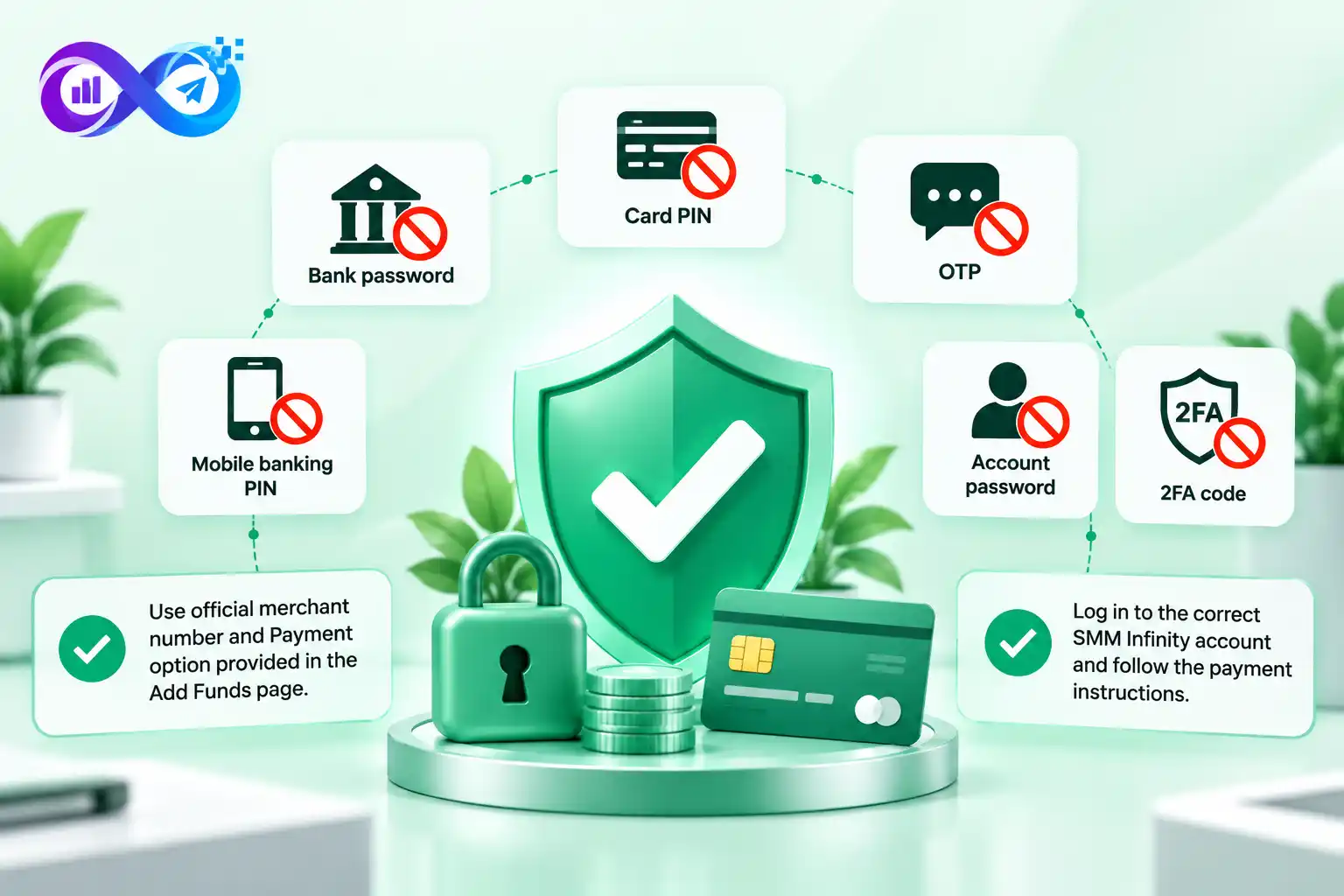
Before completing any deposit, confirm that you are logged in to the correct Smminfinity account and that the payment instructions came directly from the Add Funds page
.
Never send your:
- bank password
- card PIN
- OTP
- mobile banking PIN
- account password
- 2FA code
to another person as part of a normal balance deposit.